
Use a quick format of time and product; Add details only for a specific question.
A worked example
Worked example, using fictional events. At work, someone has biscuits at 10:30 and yoghurt at 16:00. They consider writing “snacks today”, but their question concerns gaps between meals, so both times matter. They save two brief snack entries and add tea to the biscuit description. The result is a sequence that can be compared with lunch. If the biscuit count is forgotten, it remains approximate. Two entries do not reveal the day’s energy intake or establish whether the snacks were necessary or excessive.
What to do
- 01
Create a short post template.
- 02
Fix drinks with additives if they are important to the task.
- 03
Don't cram your entire day into one evening snack.
- 04
See in which situations records are more likely to be skipped.
Common mistakes
- Write down only planned snacks.
- Evaluate a small episode as a disruption to the day.
- Restore exact portions after 24 hours.
Keep a short entry from becoming a questionnaire
Choose the detail that answers your question rather than collecting everything just in case. Timing and a name may suffice for a routine review; another agreed observation might require amount or ingredients. Put these in the description instead of looking for a dedicated field that does not exist. If a snack and drink were one event, describe them together. If they happened at different times and that matters, use separate entries. Do not replace all event times with the evening recording time. Brief but correctly dated text preserves sequence without inventing dietary conclusions.
How to check the result
- Events at different times are not silently merged.
- The entry type was chosen deliberately.
- The description does not imply automatic calorie calculation.
- Uncertain quantities remain labelled as uncertain.
If a drink is a meaningful part of the event, check what to record about drinks in the same description.
How this works in Vesometr
For an intermediate eating event, choose Snack, enter a description and set the date and time. Snacks, drinks and portions are not recognised automatically.
Sources and fact checking
App features were checked against Vesometr 1.2.2. External sources explain general guidance, rather than validating individual medical conclusions.
- Vesometr 1.2.2: official APK — Identifies the release; food-entry fields were also checked against its source code.
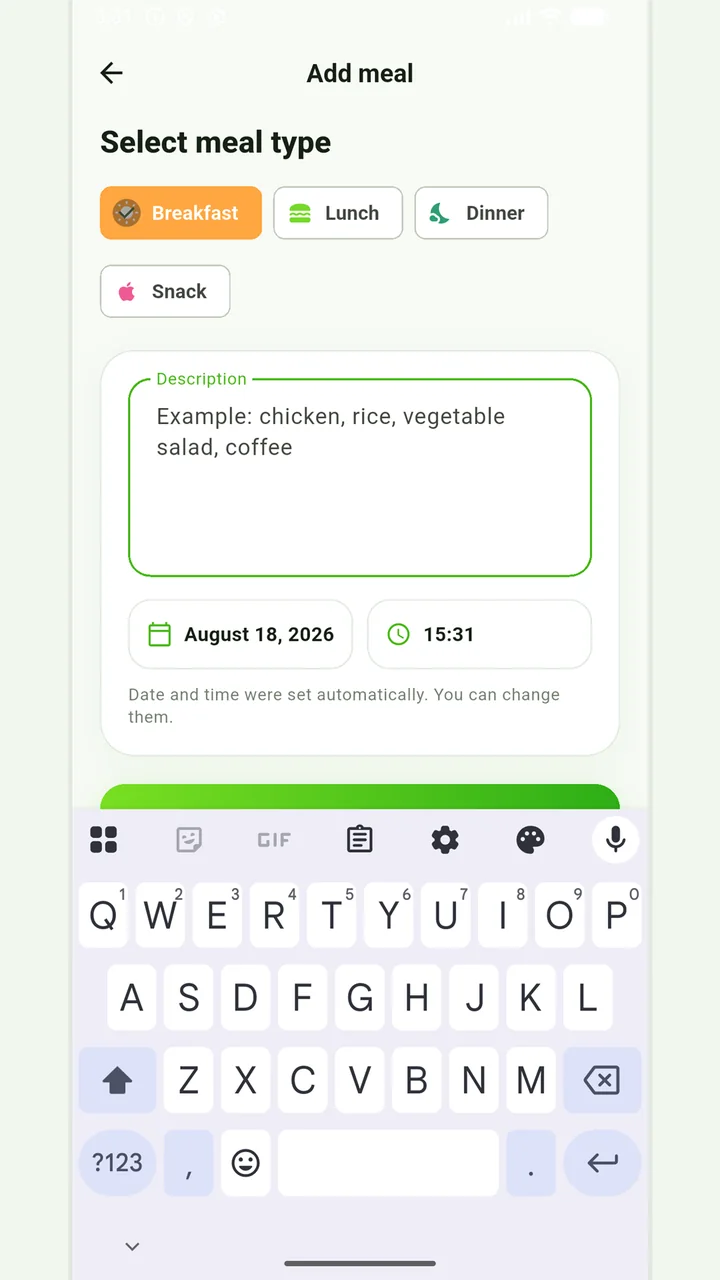
Simple meal journal
Breakfast, lunch, dinner or snack with a description, date and time.
In case of eating disorders, severe dietary restrictions, allergic reactions or a therapeutic diet, it is better to coordinate the observation plan with a specialist.
Medical disclaimer