
Minimize the content of the report and use a method agreed upon with the recipient, instead of a public link.
A worked example
Worked example: the system share menu suggests a recent contact with a similar name. Rather than selecting it automatically, the user compares the address with the clinic's agreed contact. First they open the PDF and check patient details, dates and comments. If sharing a link, they review who can access it and when it expires. After receipt is confirmed, they remove an unnecessary temporary copy, understanding that this does not delete the recipient's document. The source journal remains in the app and the backup JSON is not attached.
What to do
- 01
Review each page.
- 02
Check the recipient's address or contact in a separate action.
- 03
Limit access and duration of the link, if the service allows it.
- 04
Delete temporary copies after confirmation of receipt.
Common mistakes
- Send a file to the general work chat.
- Leave the link permanent.
- Include personal notes not related to the consultation.
Check the file and recipient separately
A similar contact name and a correct-looking filename do not guarantee that the right document is reaching the right person. Review the contents first, then verify the channel and recipient. A PDF can include patient details and blood-pressure comments, so share only the necessary period and relevant optional data. Vesometr does not apply its app PIN to exports. If extra protection is needed, agree a suitable method with the recipient and service. A public link can grant broader access than personal delivery. After sending, do not assume every copy can be recalled; the recipient may have saved the document separately.

How to check the result
- The complete PDF contents have been reviewed.
- The recipient is checked separately from the filename.
- Link access is restricted if a link is used.
- The attachment is a PDF rather than backup JSON.
For the limits of app access protection, see PIN and biometrics.
How this works in Vesometr
Vesometr does not send PDF automatically: the system transfer menu opens only upon user command.
Sources and fact checking
App features were checked against Vesometr 1.2.2. External sources explain general guidance, rather than validating individual medical conclusions.
- Vesometr: official release — Application version and official download channel.
- Android: documents and shared files — Choosing a save location; documents outside the app can remain after uninstalling it.
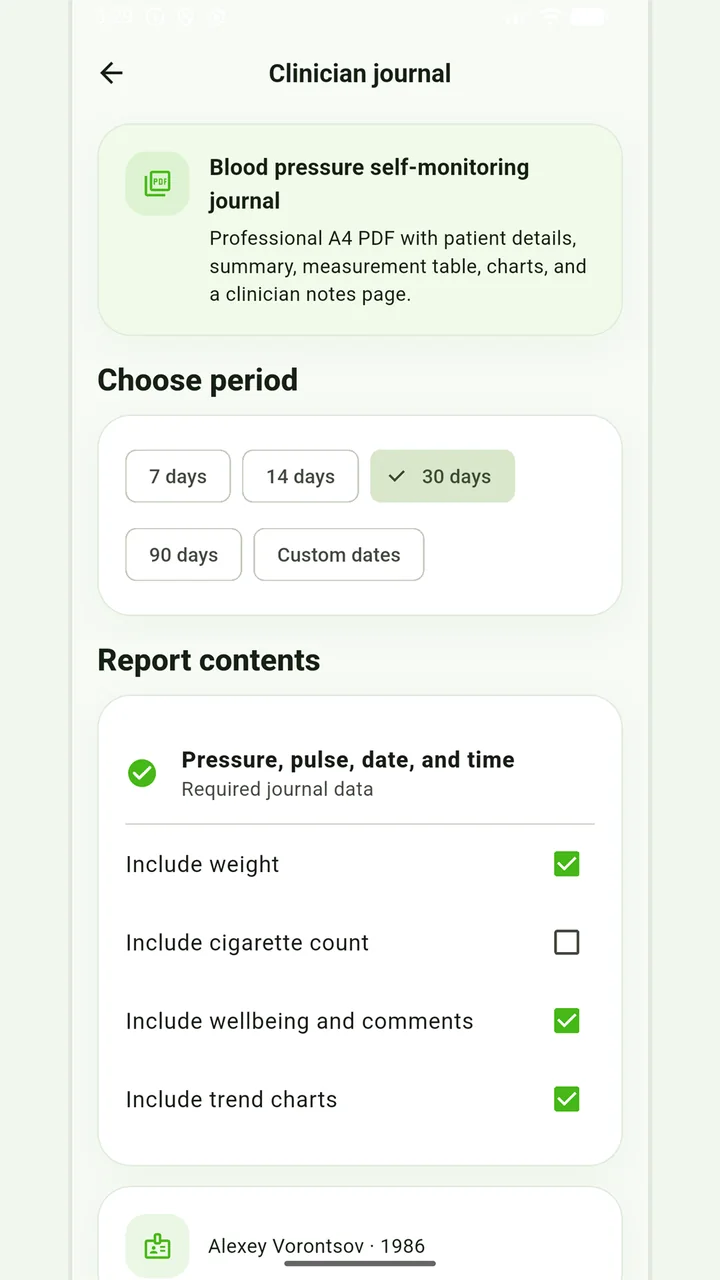
Blood-pressure PDF
A pressure and pulse journal, with optional weight and smoking information for the recorded days.
Don’t put off applying in order to accumulate the perfect report. If it is an emergency, report symptoms and follow directions from your healthcare provider; the diary can be shown later.
Medical disclaimer