
Biometric verification is performed using Android tools; The application does not receive a fingerprint or face image.
A worked example
Worked example: a user enables Vesometr's PIN and assumes yesterday's saved JSON will now request that code too. Opening the file manager shows that the export is an independent document. They keep the PIN for app access, enable the phone's screen lock and separately restrict access to the export folder. They test biometrics through the system dialog. If the device does not support it, they retain PIN access without assuming that either option encrypts a backup file.
What to do
- 01
Set up a reliable system lock.
- 02
Enable Vesometr PIN if other people are using the device.
- 03
Enable system biometrics with device support.
- 04
Check where PDF and JSON remain after export.
Common mistakes
- Use a simple repeatable PIN.
- Consider a file already sent by email as protected.
- Transfer an unlocked phone without control.
Separate app access from file protection
The four-digit PIN limits everyday access to Vesometr's interface. Biometric authentication uses the system and depends on its settings and the device's capabilities. Neither mechanism turns an exported PDF or JSON into a password-protected document. They also do not promise protection when somebody has full control of the device. After moving a journal, check access settings on the new phone separately: the PIN secret and biometric setting are not exported to JSON. Keep the phone's screen lock enabled and consider which other apps have already received files through sharing.

How to check the result
- The PIN is requested when the app is locked.
- Biometrics have been checked on this device.
- Exports are stored separately with their own protection.
- Access settings are reviewed after a transfer.
For the boundary between the database and external copies, see offline health journals.
How this works in Vesometr
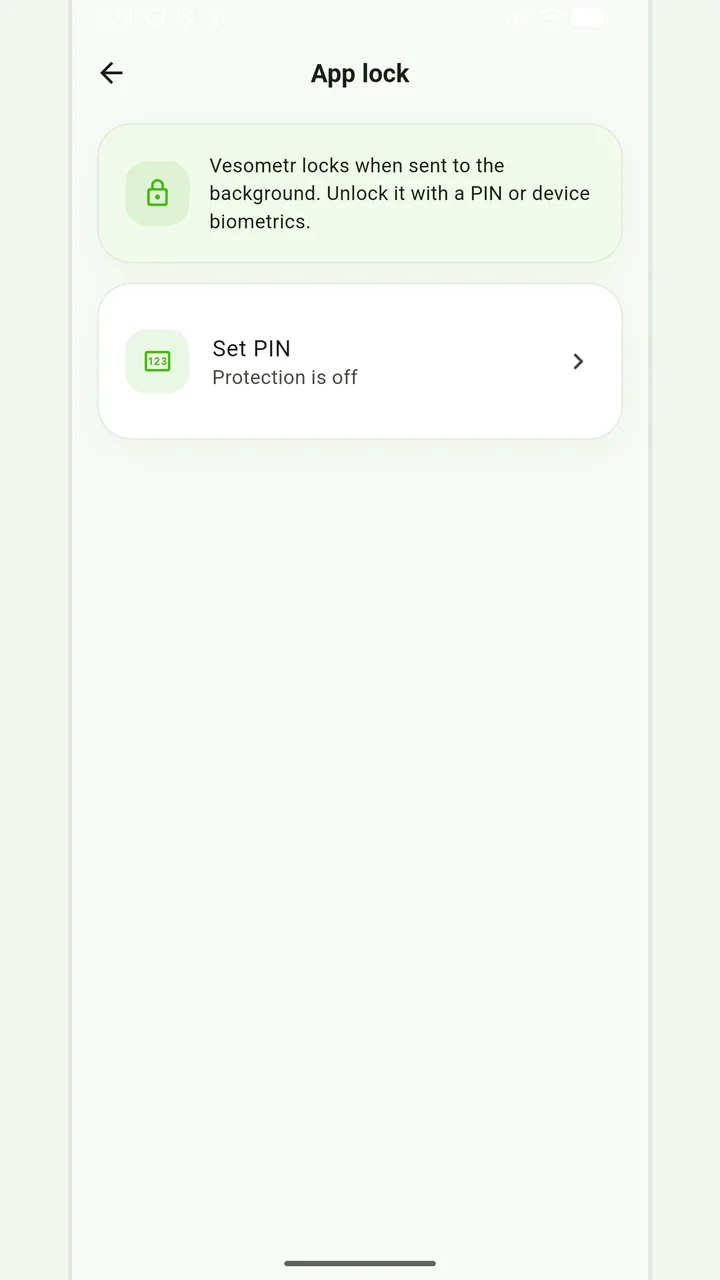
The PIN limits app access, with system biometrics available on supported devices. Exported PDF and JSON files do not inherit the app PIN protection.
Sources and fact checking
App features were checked against Vesometr 1.2.2. External sources explain general guidance, rather than validating individual medical conclusions.
- Vesometr: official release — Application version and official download channel.
- Android: system biometric authentication — The system biometric authentication dialog.
Local protection
No account or INTERNET permission, with PIN, biometrics and a JSON backup.
Please check the destination and save location before exporting. Do not publish backups and reports via an open link; delete unnecessary copies from other people's or shared devices.
Medical disclaimer