
Distinguish between local database, user generated JSON, and PDF passed to an external application.
A worked example
Worked example: someone keeps their journal while travelling without a connection, then sends a PDF using an email app that evening. Saving the original entries worked offline. Sending the file created another copy in the mailbox and with the recipient, regardless of Vesometr having no account. They check the recipient, keep a JSON backup in storage they control, and do not expect the developer to recover the journal if the phone is lost. Email access is now controlled by the email service.
What to do
- 01
Check that the application does not require login.
- 02
Set up a phone lock and optional PIN inside the app.
- 03
Create a backup on your schedule.
- 04
Evaluate the content and recipient before exporting.
Common mistakes
- Consider local storage as absolute protection when the phone is unlocked.
- Forget about copies in downloads and messengers.
- Wait for recovery from the developer's server.
Where offline operation ends
Offline describes how the app works with its journal, rather than every later action involving a file. Saving entries, viewing the calendar and generating an export take place on the device. Choosing another recipient or a cloud folder introduces another storage provider with its own access rules. Ask separately where the working database lives, where the latest backup is, and who has already received a report. The app PIN does not control these external copies. Lock the device and check open applications before handing the phone to somebody else.

How to check the result
- The journal opens without signing in.
- The owner knows where the latest JSON is stored.
- Report recipients are considered separately from the local database.
To keep a recovery copy if the device is lost, prepare a JSON backup.
How this works in Vesometr
Vesometr works without an account, advertising, analytics and INTERNET permission; core data remains local.
Sources and fact checking
App features were checked against Vesometr 1.2.2. External sources explain general guidance, rather than validating individual medical conclusions.
- Vesometr: official release — Application version and official download channel.
- Android: documents and shared files — Choosing a save location; documents outside the app can remain after uninstalling it.
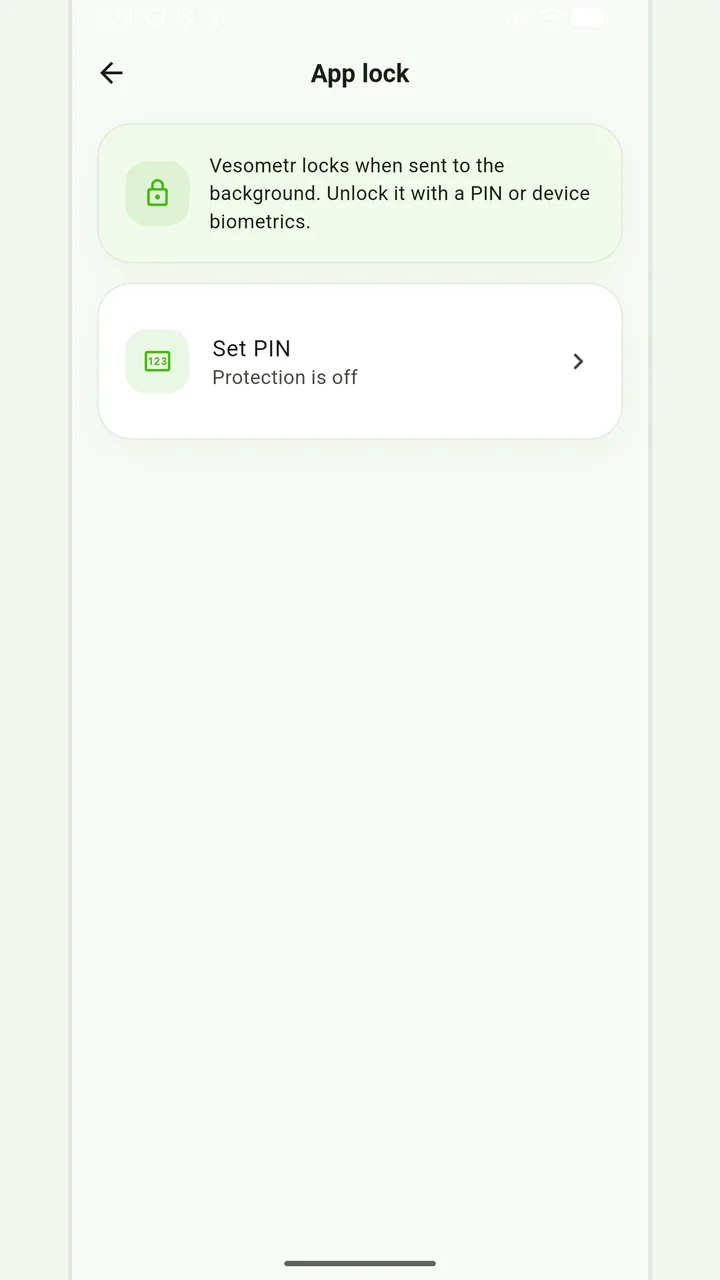
Local protection
No account or INTERNET permission, with PIN, biometrics and a JSON backup.
Please check the destination and save location before exporting. Do not publish backups and reports via an open link; delete unnecessary copies from other people's or shared devices.
Medical disclaimer