
A backup can contain sensitive notes and a broad record of your health, so protect it as a private archive rather than an ordinary text file.
A worked example
Worked example: before a phone repair, a user creates a JSON backup but cancels the save dialog. A temporary file inside the app does not prove that a recovery copy will be available after the repair. They save again, choose their own folder and locate the finished file in a file manager. They then keep another copy away from the phone. The consultation PDF stays in a different folder so it will not be mistaken for the restore file. The original database remains intact until transfer checks are complete.
What to do
- 01
Create a file from the backup section.
- 02
Store it in a controlled place.
- 03
Do not edit content manually.
- 04
Test the transfer periodically on a test or new device without deleting the source first.
Common mistakes
- Send JSON to a random recipient instead of PDF.
- Rename or change the structure within a file.
- Store only in your phone's downloads folder.
What to check after creating a backup
JSON contains structured data that Vesometr can validate and restore. It is a readable text file, rather than an encrypted container or a medical assessment. Do not upload it to an online converter just to view it, since that discloses more records than necessary. Saving and sharing are separate actions; cancelling the system dialog does not confirm a successful save. Check the name, extension, non-empty size and destination folder. Successful restoration on a suitable device, after preserving that device's current database, provides stronger evidence than the file's mere existence.

How to check the result
- The JSON is found in the chosen location outside the app.
- The file is non-empty and has not been edited manually.
- The PDF is not being used as a restore file.
- The current database is backed up before a trial import.
Before importing, review how backup restoration works.
How this works in Vesometr
Vesometr generates JSON only on user command and restores supported entities from the selected file.
Sources and fact checking
App features were checked against Vesometr 1.2.2. External sources explain general guidance, rather than validating individual medical conclusions.
- Vesometr: official release — Application version and official download channel.
- Android: documents and shared files — Choosing a save location; documents outside the app can remain after uninstalling it.
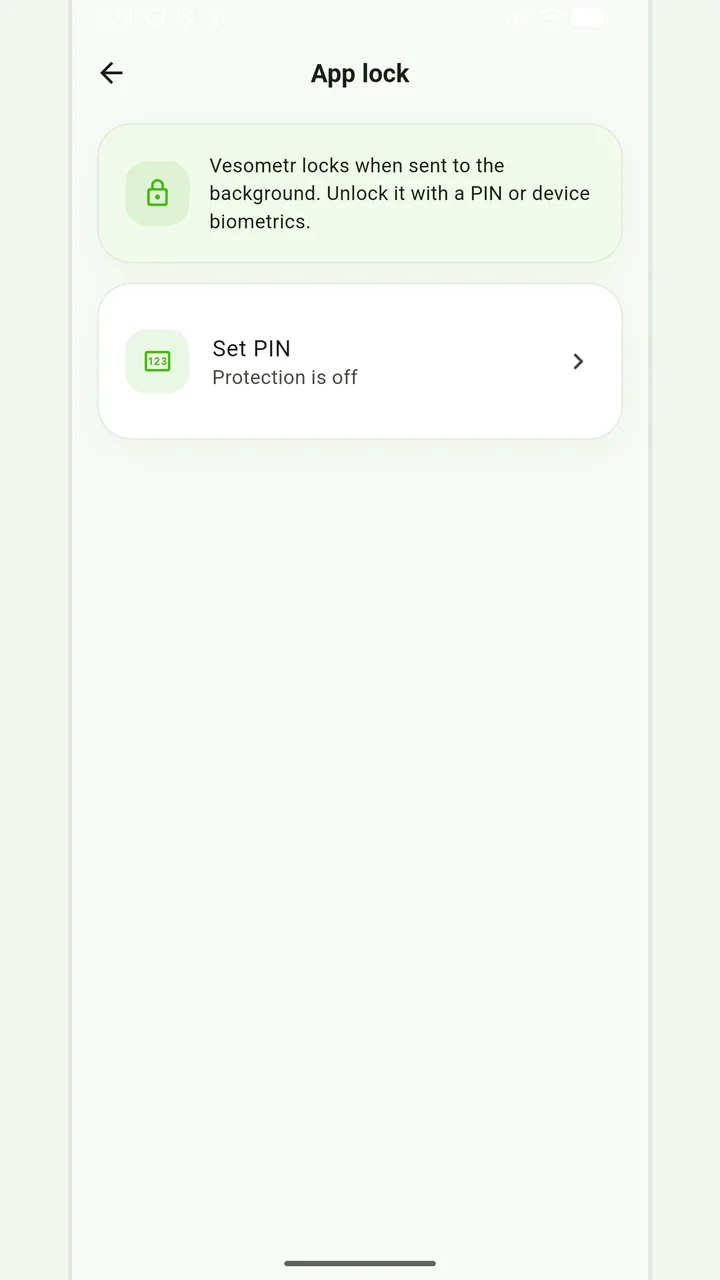
Local protection
No account or INTERNET permission, with PIN, biometrics and a JSON backup.
Please check the destination and save location before exporting. Do not publish backups and reports via an open link; delete unnecessary copies from other people's or shared devices.
Medical disclaimer