
Check the source, date and file size, and once imported, review a few key sections before deleting the old device.
A worked example
Worked example: a new phone already contains two days of entries while an older JSON holds the previous months. The user first saves a separate backup from the new phone. They then select the older file and confirm restoration, understanding that the two journals will not merge. Afterwards they check early and recent dates, the medicine cabinet and settings. Both original copies remain separate because each represents a different state. Recovering individual missing entries needs manual checking, rather than another import over the database.
What to do
- 01
Create a fresh copy of your current data.
- 02
Select a file obtained from a trusted source.
- 03
Confirm replacement only after checking the date.
- 04
Open your weight, blood pressure, first aid kit and a few calendar days.
Common mistakes
- Import unknown JSON.
- Treat the recovery as a merge of the two logs.
- Delete both copies immediately after the first successful screen.
Why restoration is not a merge
In version 1.2.2, a validated file is passed to an operation that replaces local data. Restoration does not compare two journals or offer to resolve conflicting entries. Before confirming, decide which state should become the working journal and preserve the current state separately. If the format is rejected, do not rename an unrelated document to JSON or edit its structure by guesswork. Return to the original export or create a new backup on the old device. After a success message, inspect actual sections: the correct history matters more than completing the operation without an error.

How to check the result
- The current state is saved in a separate file.
- The intended source JSON is selected.
- An early and a recent entry are found after importing.
- Several sections have been checked for the expected data.
For the complete device change, use the new-phone transfer checklist.
How this works in Vesometr
Vesometr warns about replacing the current set; The application does not have cloud rollback.
Sources and fact checking
App features were checked against Vesometr 1.2.2. External sources explain general guidance, rather than validating individual medical conclusions.
- Vesometr: official release — Application version and official download channel.
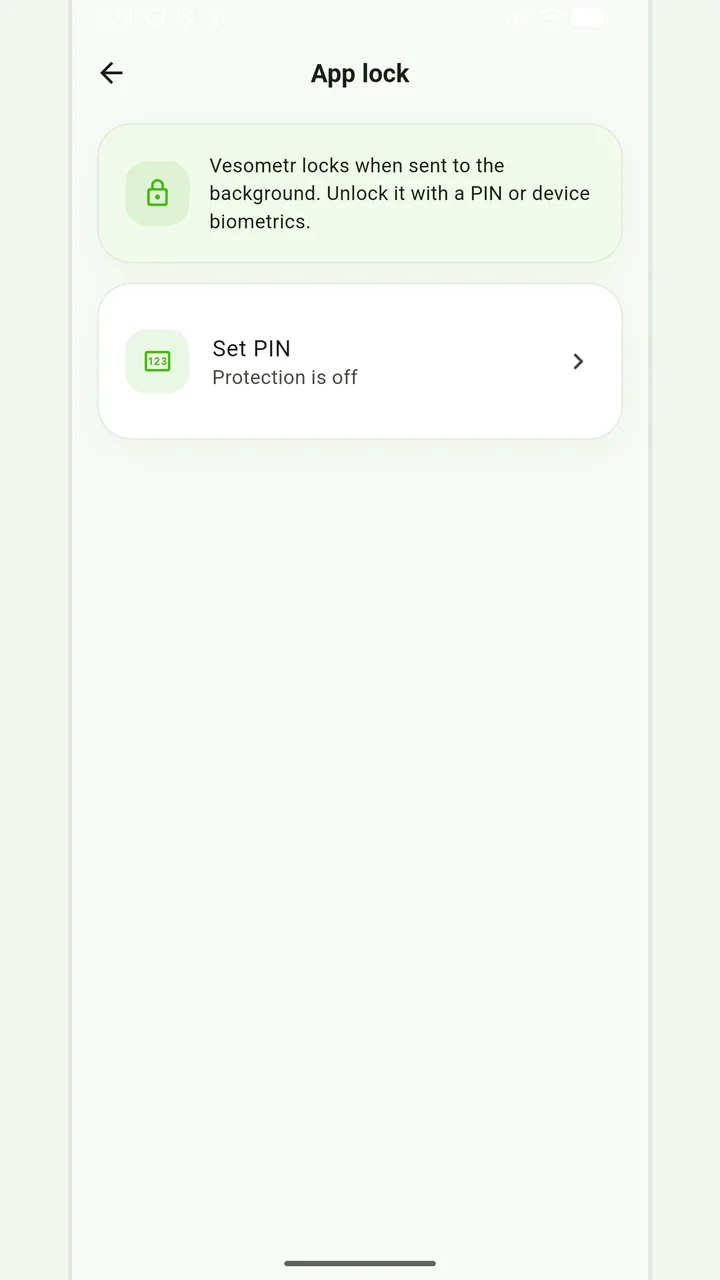
Local protection
No account or INTERNET permission, with PIN, biometrics and a JSON backup.
Please check the destination and save location before exporting. Do not publish backups and reports via an open link; delete unnecessary copies from other people's or shared devices.
Medical disclaimer