
Do not wipe your old phone until the main data has been verified and an additional copy has been created.
A worked example
Worked example: after buying a phone, a user installs Vesometr and finds an empty calendar. There is no account that automatically downloads the previous history. They return to the old device, create a fresh JSON and save it outside the app. On the new phone they first preserve any entries already added in a separate backup, then restore the selected history. They check several days, the medicine cabinet and notification settings. They keep the old device intact until comparison is complete, and check PIN and biometrics separately.
What to do
- 01
Update the app on your old device if possible.
- 02
Generate fresh JSON and transmit it securely.
- 03
Install Vesometr and perform a recovery.
- 04
Check records, PIN, biometrics and notifications.
Common mistakes
- Rely on automatic Android transfer without verification.
- Transfer a file via a public link.
- Reset your old device before checking your first aid kit and calendar.
Check content, settings and access separately
A successful import confirms that an operation finished, but does not establish that the intended file was selected. Compare the installations using a recent entry, an earlier day and a medication card. Check that the target and patient details are as expected. Android notification permissions belong to the particular device; a saved schedule does not prove that permission has been granted. PIN and biometric secrets are not carried in JSON. Before resetting the old phone, create an independent copy of the verified state so the transfer does not leave only one file on the new device.

How to check the result
- The source JSON is saved away from the old phone.
- The new device is backed up before replacement.
- Reference entries match.
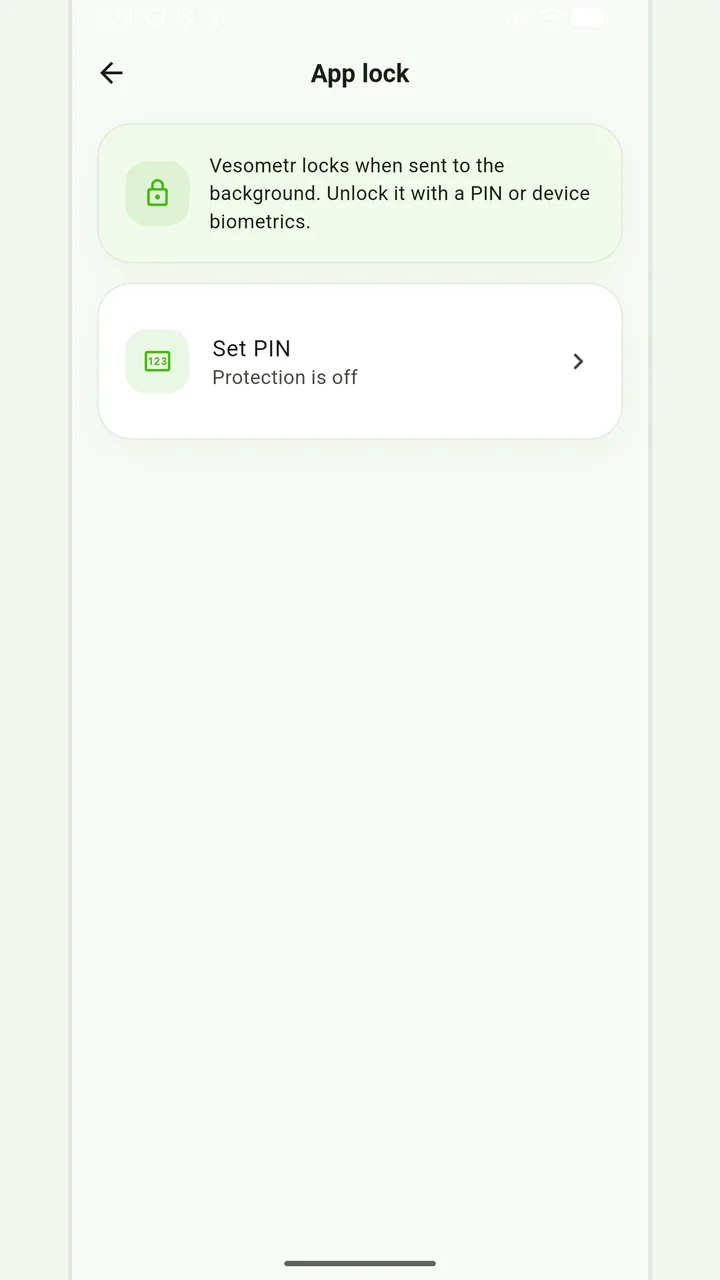
- PIN access and notification permissions are checked separately.
If the data is restored but alerts are missing, check Android notifications.
How this works in Vesometr
Vesometr's backup function is designed specifically for controlled transfers without a cloud account.
Sources and fact checking
App features were checked against Vesometr 1.2.2. External sources explain general guidance, rather than validating individual medical conclusions.
- Vesometr: official release — Application version and official download channel.
- Android: notification permission — On Android 13 and later notifications require user permission.
Local protection
No account or INTERNET permission, with PIN, biometrics and a JSON backup.
Please check the destination and save location before exporting. Do not publish backups and reports via an open link; delete unnecessary copies from other people's or shared devices.
Medical disclaimer