
The deletion cannot be undone without a previously created file, and external PDF and JSON are cleaned separately in the services where they were saved.
A worked example
Worked example: a user wants to remove one incorrect entry and notices the full-deletion command in settings. They pause because this has a different scope, returning to the calendar for the individual point. Later, when they really decide to clear the journal, they first save any needed JSON, check its location and read the confirmation. They inspect the main sections afterwards. PDFs in email and files in saved folders are reviewed separately. They do not perform a test restoration if their goal is to leave the app without the old history.
What to do
- 01
Create the final copy you want.
- 02
Check that the file is accessible and secure.
- 03
Start deleting all data and read the confirmation.
- 04
Clear external exports if the goal is to stop storing altogether.
Common mistakes
- Confusing exiting an application with deleting it.
- Consider reinstallation to be a guaranteed removal of all external files.
- Confirm an action in a hurry.
Full deletion needs a separate decision
The clearing command affects the local data set and app settings rather than one selected date. Before confirming, decide whether you want a fresh start, to stop storing the information or merely to correct a fact. The last task does not need full deletion. If a backup is required, create and check it beforehand; the app has no server history for rollback. Independent PDFs and JSON files remain where you saved them. Uninstalling the app is likewise not a command to clear recipients' copies or cloud folders. Review those locations separately according to your goal.
How to check the result
- The action's scope matches the goal.
- Any needed copy is checked before confirmation.
- Local sections are reviewed after deletion.
- External files are considered separately.
For the complete scope across storage locations, see deleting all data.
How this works in Vesometr
Vesometr has no cloud backup. Restoring deleted local data requires a JSON backup previously saved by the user.
Sources and fact checking
App features were checked against Vesometr 1.2.2. External sources explain general guidance, rather than validating individual medical conclusions.
- Vesometr: official release — Application version and official download channel.
- Android: documents and shared files — Choosing a save location; documents outside the app can remain after uninstalling it.
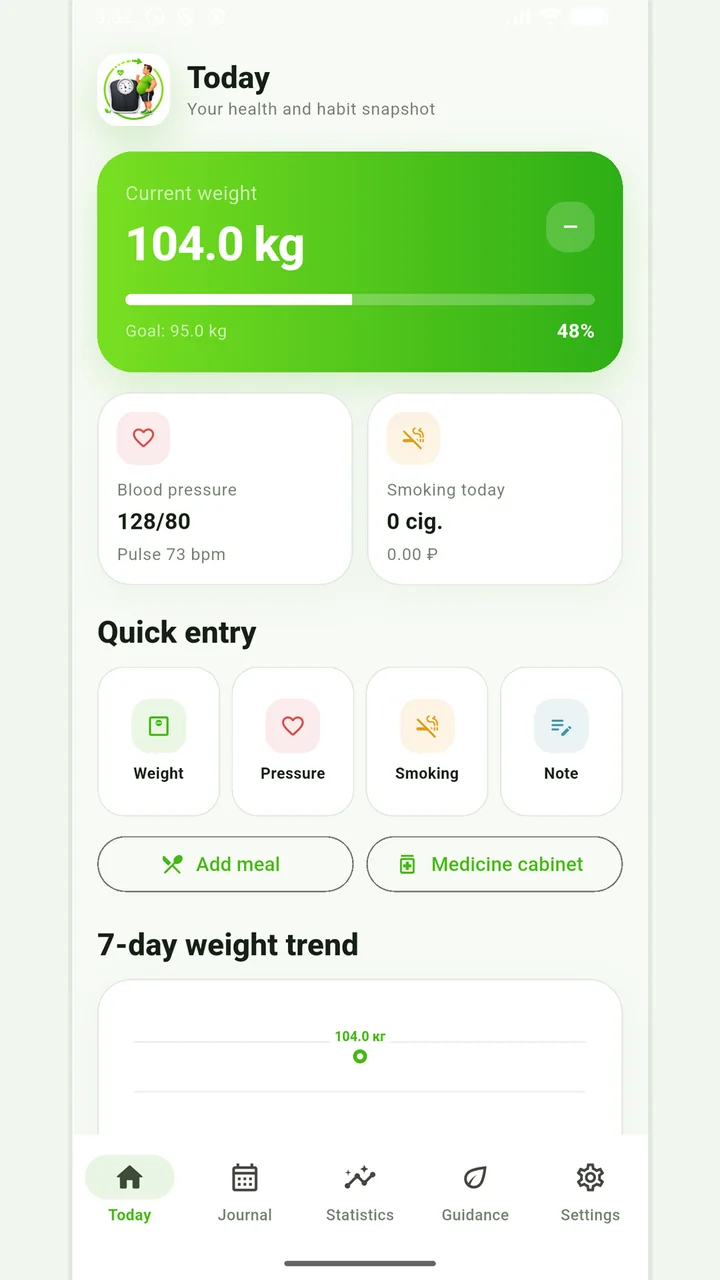
Vesometr 1.2.2
The main application tools and the current Android build.
The app organizes entries and reminders, but cannot verify a treatment plan or replace professional advice.
Medical disclaimer