
Vesometr does not have a cloud account, so changing your phone requires a user-created backup.
A worked example
Worked example: a user sees a JSON file in a cloud folder and assumes Vesometr now synchronizes with a new phone. In fact, they saved that file there once themselves. Later entries stay on the old phone until another backup is created. To distinguish the two states, they compare the export date with their newest entries, create a fresh file and check that another device can access it. They keep the old database until the transfer has been verified.
What to do
- 01
Determine whether your task needs automatic synchronization.
- 02
Check where the exported files physically remain.
- 03
Create two controlled copies of the important log.
- 04
Delete temporary transfers after checking the recovery.
Common mistakes
- Confusing a backup in a cloud folder with a local application model.
- Keep a single copy on the same phone.
- Transfer a file via an open link.
A snapshot is different from synchronization
A backup records the state when it was created. Later journal changes are not written into a JSON file that has already been saved. Putting that file in cloud storage changes the location of the copy; it does not add an app account, automatic device merging or remote access to the working database. Consider whether you could access the storage without a lost phone and who else can open the folder. Check shared-folder members and public links. Before restoring, preserve the target device's current state because importing replaces its data.
How to check the result
- The file date matches the intended journal state.
- Storage access does not depend solely on the old phone.
- Folder access has been reviewed.
Choose an independent location using the guide to storing a backup file.
How this works in Vesometr
Vesometr does not upload the working database to the cloud; If the user himself places the export into a cloud service, the terms of that service apply.
Sources and fact checking
App features were checked against Vesometr 1.2.2. External sources explain general guidance, rather than validating individual medical conclusions.
- Vesometr: official release — Application version and official download channel.
- Android: documents and shared files — Choosing a save location; documents outside the app can remain after uninstalling it.
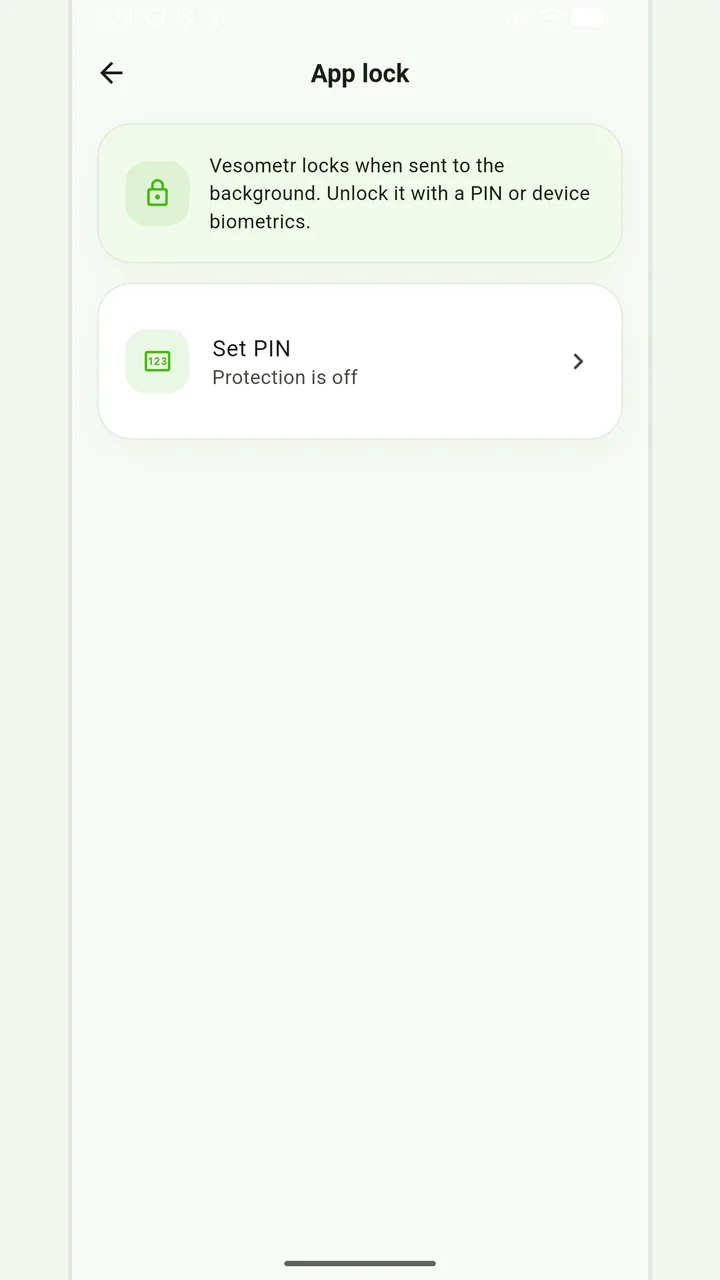
Local protection
No account or INTERNET permission, with PIN, biometrics and a JSON backup.
Please check the destination and save location before exporting. Do not publish backups and reports via an open link; delete unnecessary copies from other people's or shared devices.
Medical disclaimer