
A practical option is two controlled copies in different places with encryption or a protected account and an understandable retention period.
A worked example
Worked example: the only JSON sits in Downloads on the same phone used for the journal. A device failure could make both versions unavailable at once. The user copies it to protected personal storage on a computer and checks that they can actually find it. They choose a second independent location without a public sharing link. The filename keeps the creation date but leaves out a diagnosis or surname. Older files are removed only after checking the new copy and keeping a clear version order.
What to do
- 01
Select your primary secure storage.
- 02
Create a second copy separately from the device.
- 03
Name the file with the date without disclosing medical details.
- 04
Delete outdated copies after checking a new one.
Common mistakes
- Leave the file in a shared family cloud.
- Use a public link without a deadline.
- Store copies on lost and old devices.
Owner access matters alongside restricted access
Storage is useful for backup when one device failing does not remove access to every copy. A protected folder cannot help with recovery if its password or only sign-in method remains on a lost phone. Check your own access from another device in advance without exposing the journal to others. With cloud storage, review folder members and link expiry; with a storage device, check that it is readable. Vesometr does not encrypt the exported JSON with its app PIN or control what happens to it afterwards. The destination's protection must be configured separately.
How to check the result
- A copy exists away from the journal phone.
- The owner has checked access to the storage.
- Public links and folder members have been reviewed.
- Versions can be distinguished by date.
Keep the file current by choosing a backup schedule.
How this works in Vesometr
Vesometr does not manage the exported file after transfer, so the location and method of protection is up to the user.
Sources and fact checking
App features were checked against Vesometr 1.2.2. External sources explain general guidance, rather than validating individual medical conclusions.
- Vesometr: official release — Application version and official download channel.
- Android: documents and shared files — Choosing a save location; documents outside the app can remain after uninstalling it.
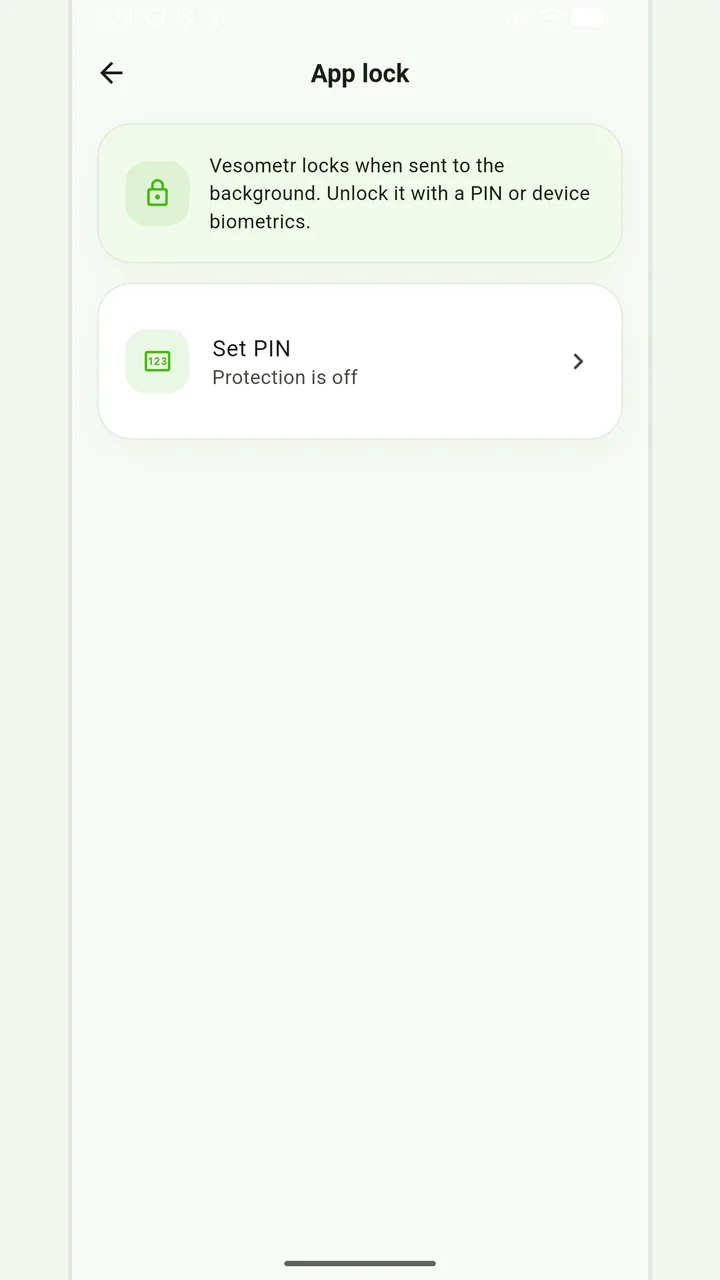
Local protection
No account or INTERNET permission, with PIN, biometrics and a JSON backup.
Please check the destination and save location before exporting. Do not publish backups and reports via an open link; delete unnecessary copies from other people's or shared devices.
Medical disclaimer